

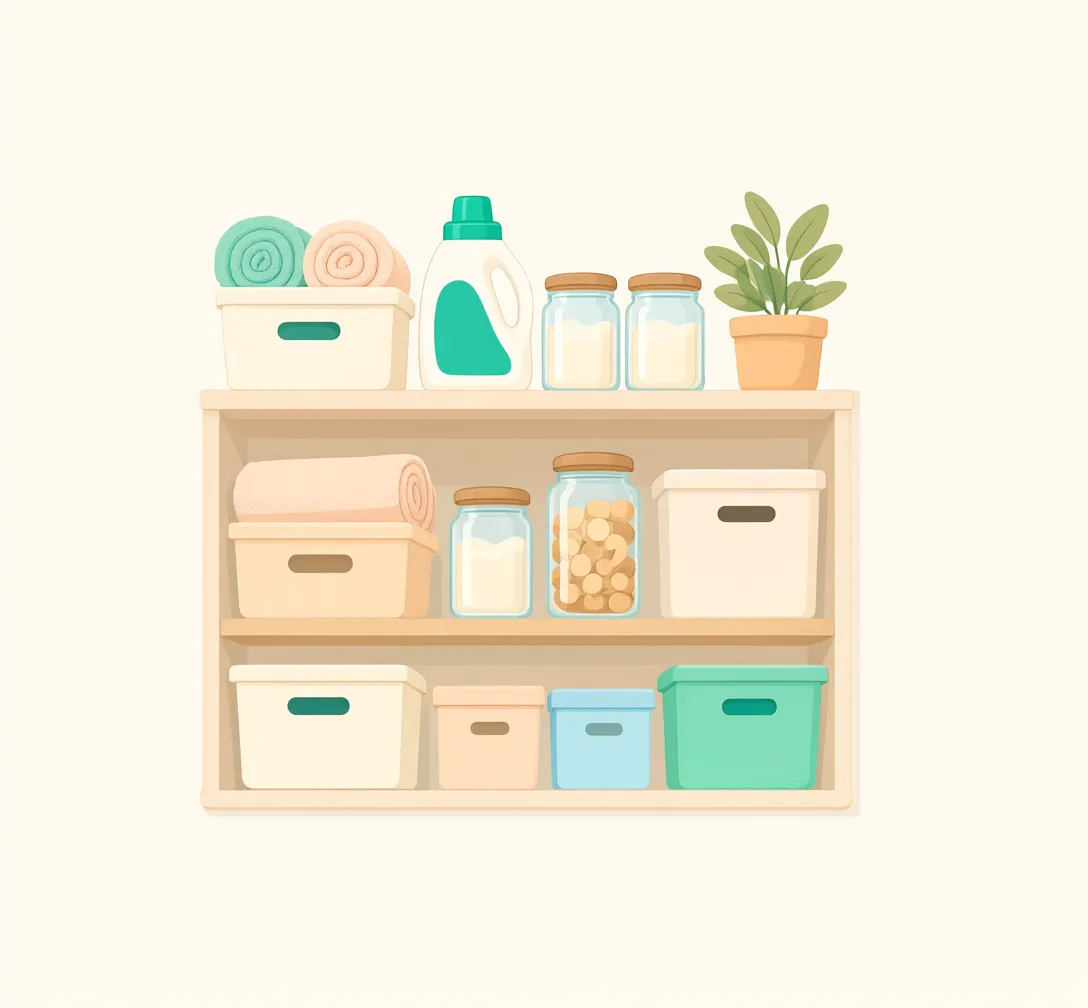
What I have
Separate spaces for home and office, each with up to three levels of storage locations.
An inventory for everyday life
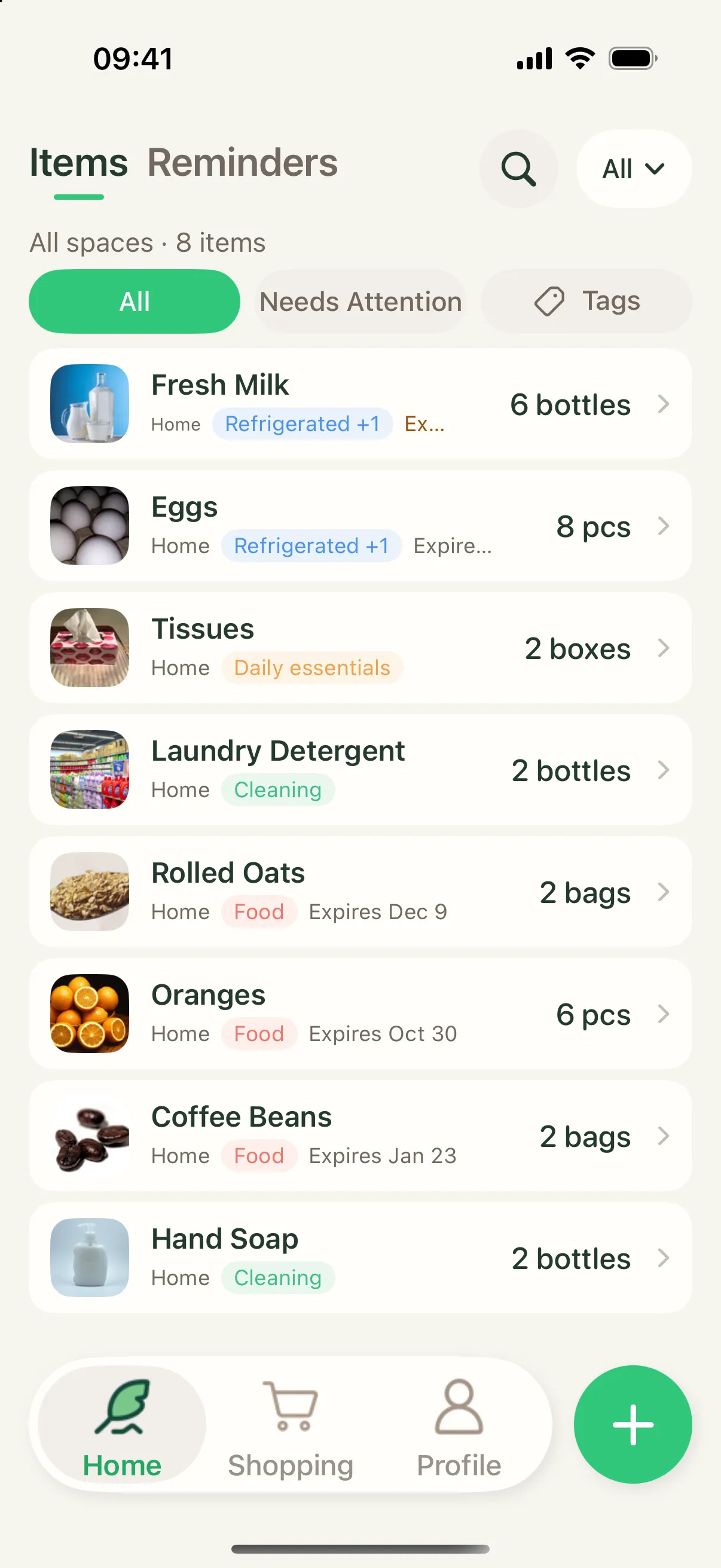
Photos, quantities and expiry dates in one place. Catch things before they expire, jot down what’s running low, and stock it back up when you buy it.
Three simple questions
No spreadsheets. A name and a space are enough to start; turn on quantity and expiry tracking only where you need them.
Separate spaces for home and office, each with up to three levels of storage locations.
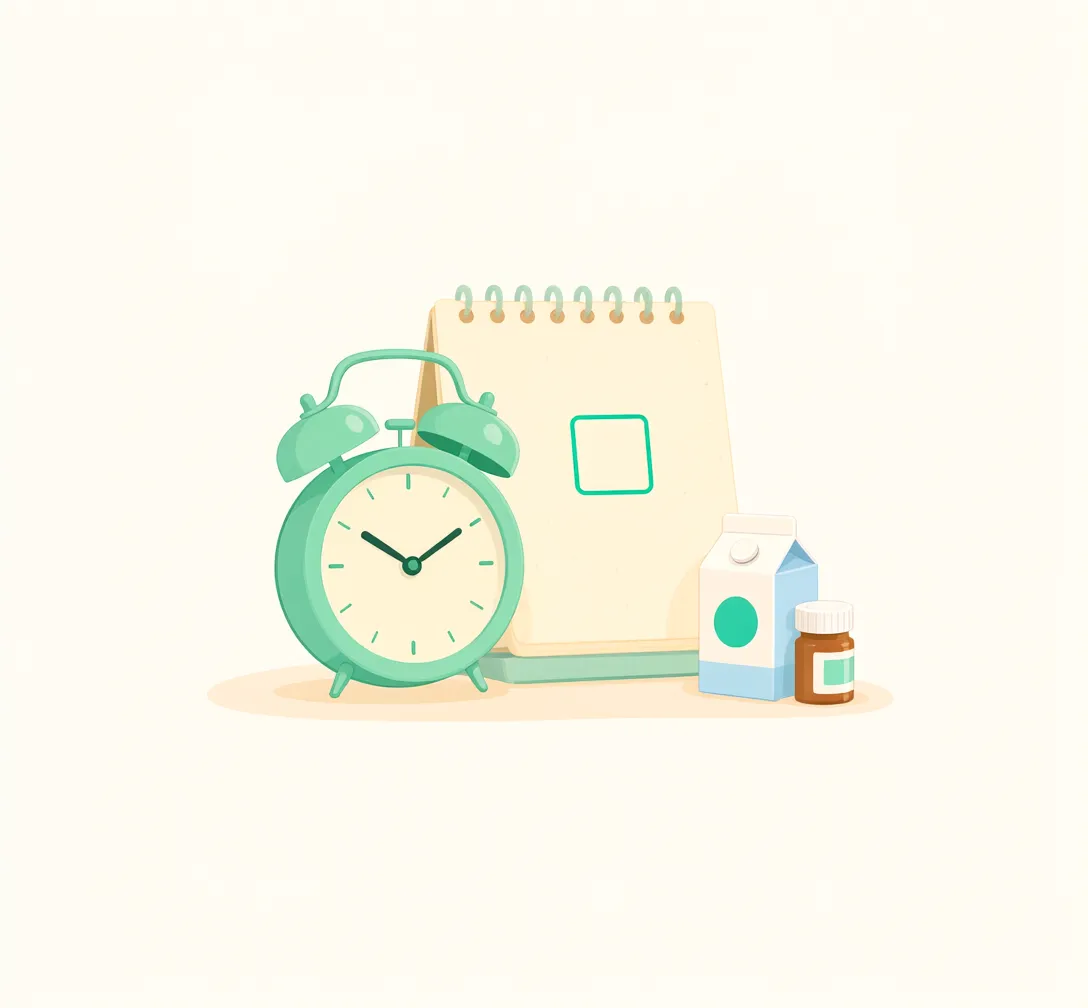
Expiry dates per batch, and the batch that expires first is used first by default.
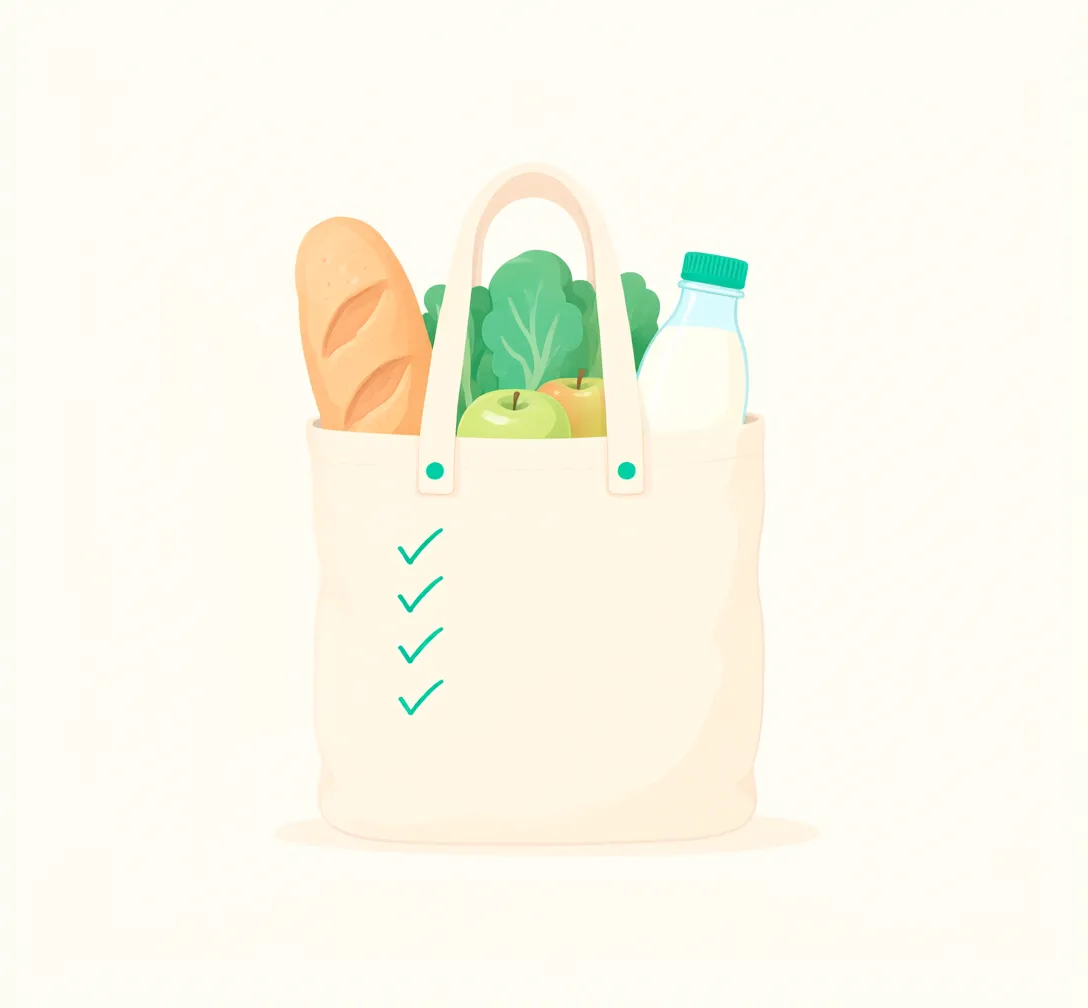
Add low-stock items to your shopping list. Confirm the purchase and stock goes up.
Expiry reminders
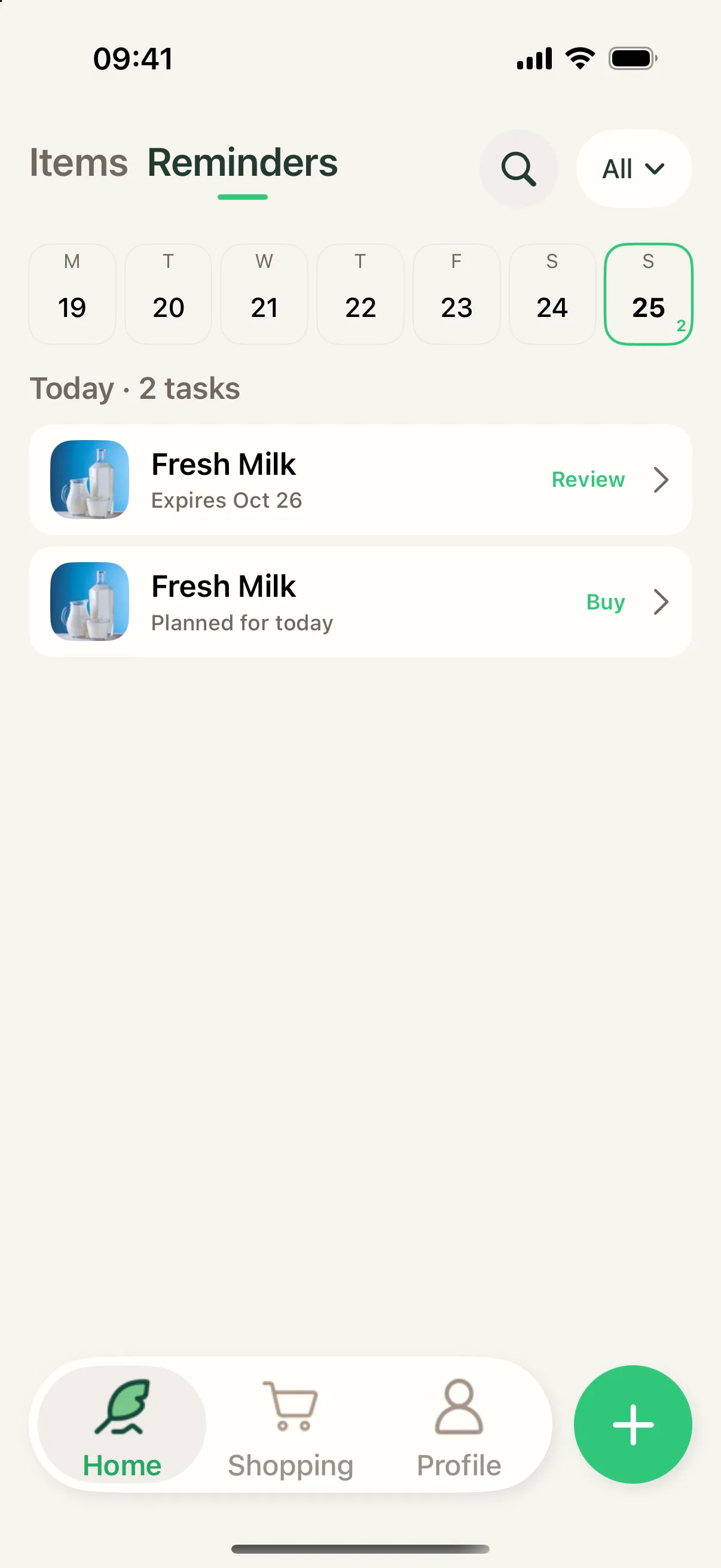
The Reminders view lines up what needs attention day by day. A collapsible week strip shows how many things are due on each day.
Daily digest
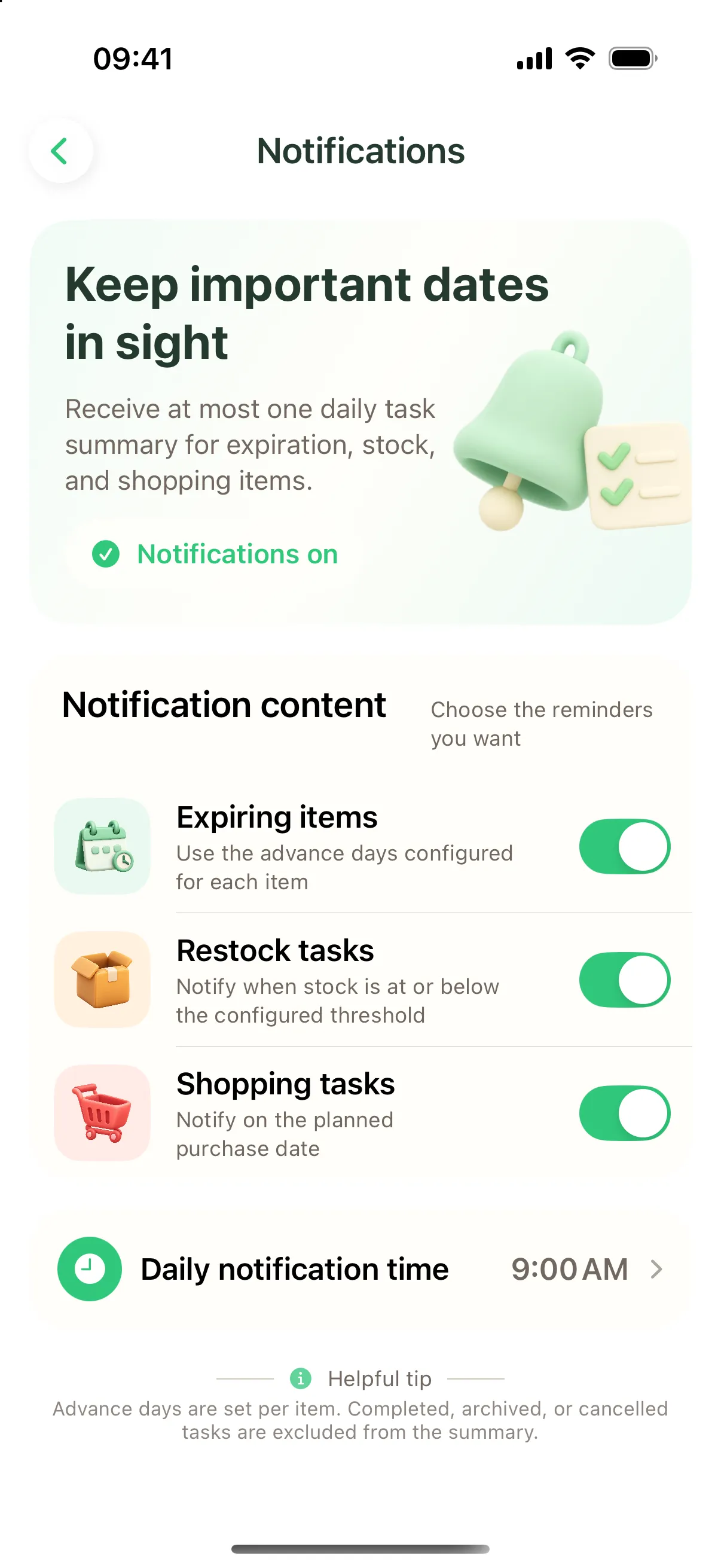
Expiring items, restocks and shopping to-dos are combined into a single notification at the time you choose — never a flood of alerts.
Batches
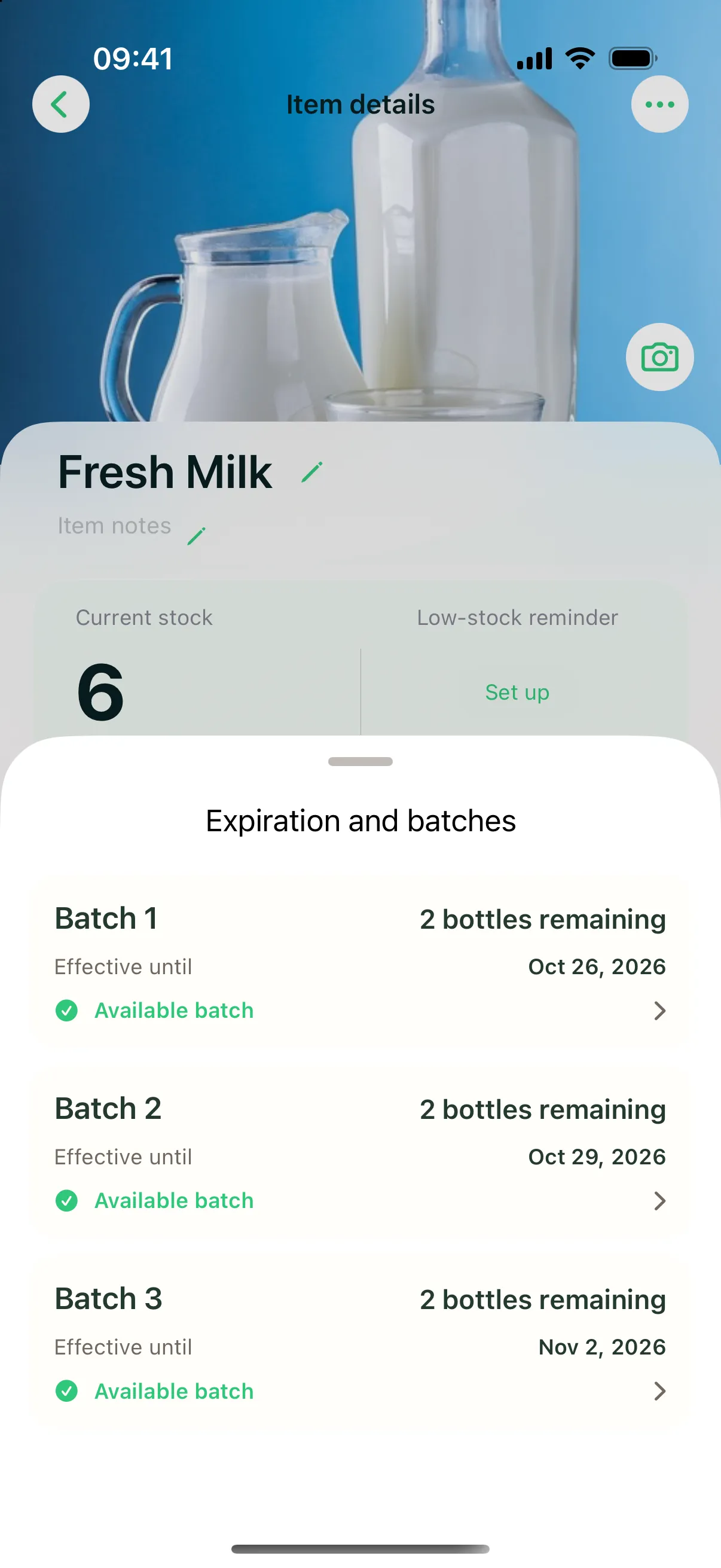
Bought the same thing twice with different dates? Track each batch separately and see the total at a glance.
Shopping list
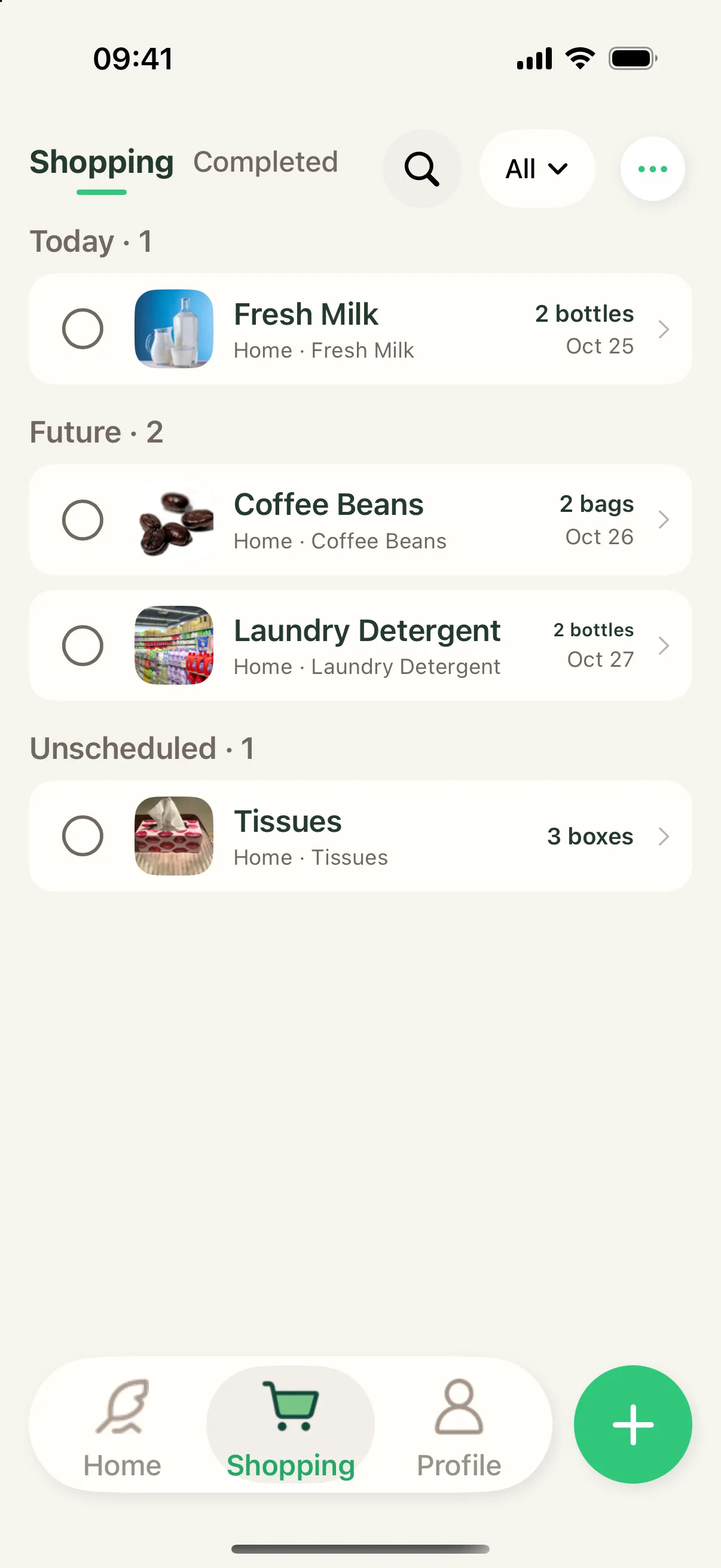
Shopping items are grouped by planned date and can link to items you already track. Check one off and the amount you actually bought goes into stock.
And more
Home and office stay separate. Switch to see only what’s there.
Up to three levels, like Kitchen › Fridge › Top shelf.
Food, cleaning, household — combine with search and “Needs attention”.
Snap a photo or pick one, then note the brand or size.
Adjust dates on several records at once.
Send your shopping list to whoever is heading to the store.
Follows your system appearance.
Available in English and Simplified Chinese.
iCloud sync
With the same Apple Account, your items, batches and shopping list sync across your iPhones through iCloud. Core features work offline and catch up when you’re back online.
A name and a space are enough. Add the rest when you need it.
Buying and stocking are separate steps. Nothing changes unconfirmed.
At most one digest a day, at a time you choose.
OnHand runs on iPhone with iOS 18 or later. There is no dedicated iPad version yet.
On your device. With iCloud sync on, it syncs between your devices through your own iCloud account.
OnHand is currently designed for one person managing several spaces. You can share the shopping list with family.
No. Everything that needs attention is combined into one daily digest at the time you choose.

Start with the milk in your fridge.
Coming soon to the App Store